Before Updating your Quess application on iPad

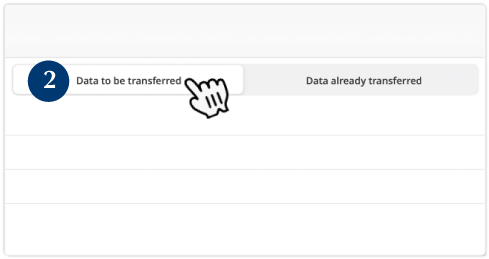
Verify that all practical training and assessment segments have been synchronized before proceeding with
the update. Failing to perform a synchronization results in the loss of your data when updating QUESS-APP.
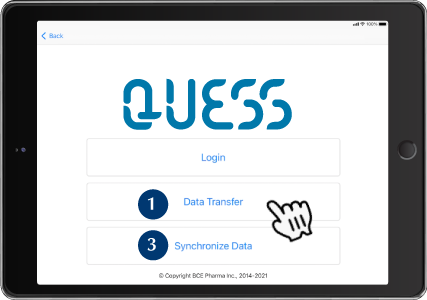


If the list is empty, it is safe to update your
QUESS-APP


Return to step 1 to verify that the « Data to be
transferred » list is empty.
If you encounter an error when synchronizing
the data, please, email a screenshot of the « Data
to be transferred » window to:
How to update your QUESS-APP?
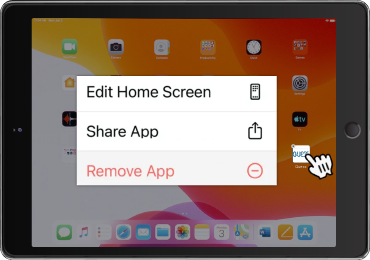
Delete QUESS-APP from the iPad. 
Tap and hold QUESS-APP icon.
Select « Remove App ».
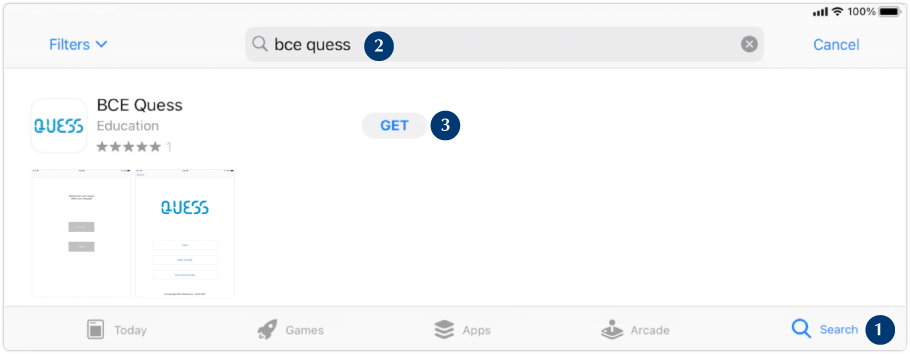
Open « App Store » application.